Need to cancel a class? This guide walks you through cancelling a booked class on the Tutopiya Learning Portal. Where possible, consider rescheduling instead so your student doesn't lose a session.
Important Notice
Cancel only when necessary, and give your student as much notice as possible. Repeated or last-minute cancellations can affect your student's experience and your tutor rating.
Step 1: Login
Login to the Tutopiya Portal at: https://www.tutopiya.com/learning-portal/login 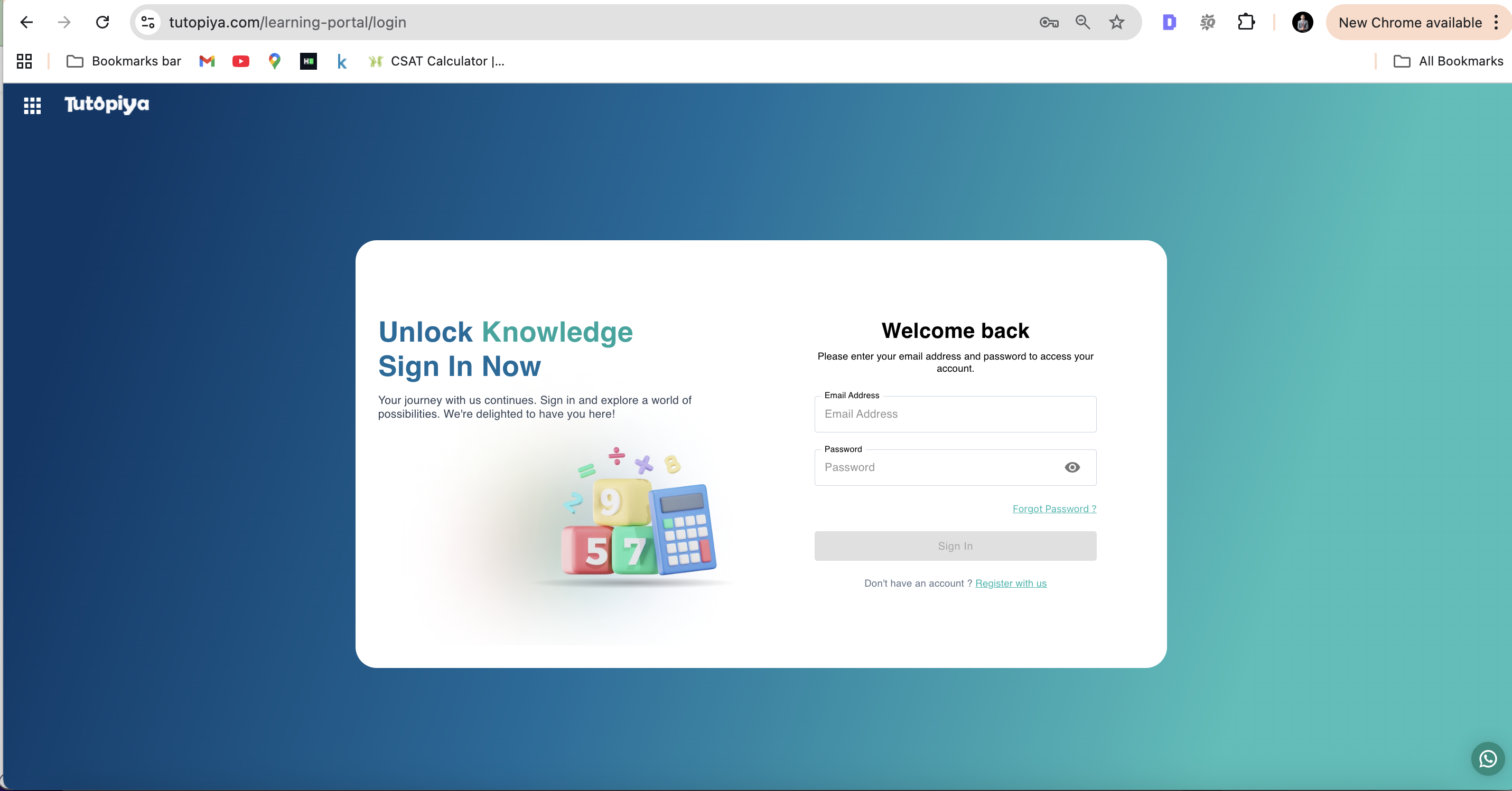
Login Page: Enter your email address and password to access your tutor account
Step 2: Course Selection
From your dashboard, click "View Course" on the course where you want to cancel a class.
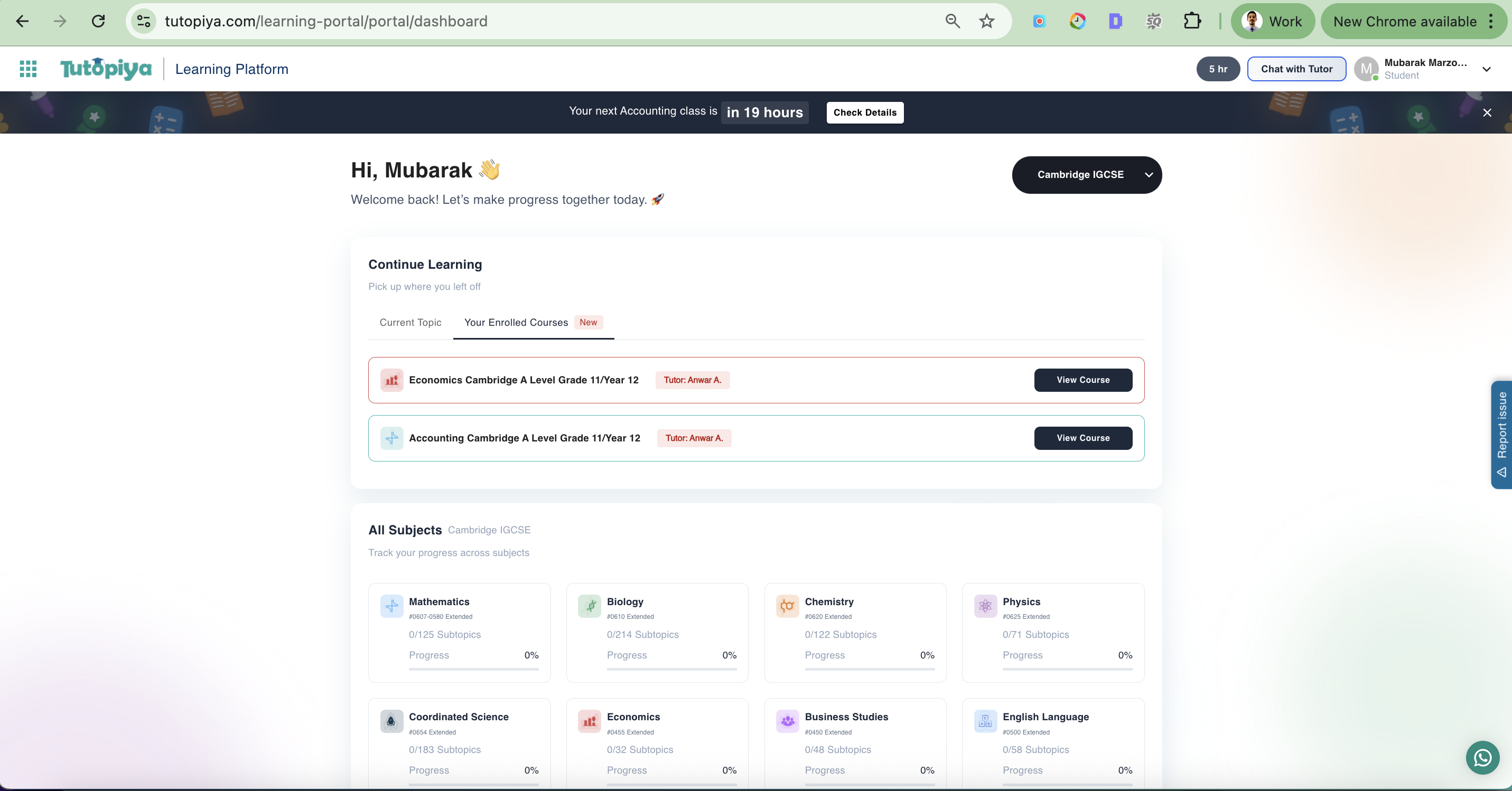
Dashboard: Your assigned courses are displayed with "View Course" buttons
Step 3: Select Class to Cancel
Inside the course page, find the class you want to cancel by expanding the class section, then click the 3 horizontal dots.
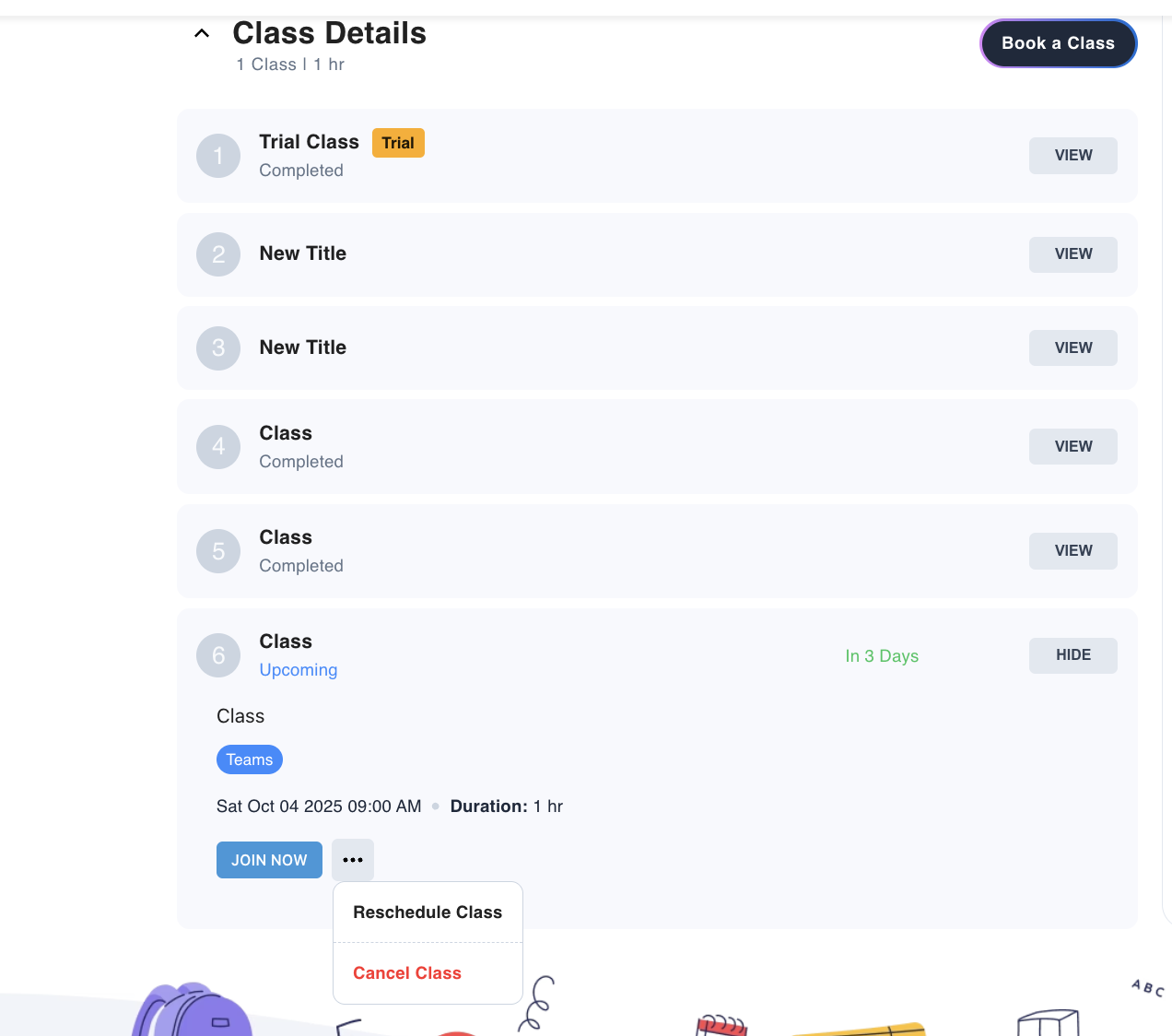
Class Section: Expand the class section and click the 3 horizontal dots to access cancellation options
Step 4: Cancel the Class
Select the reason for the cancellation and submit the request. The class will be cancelled.
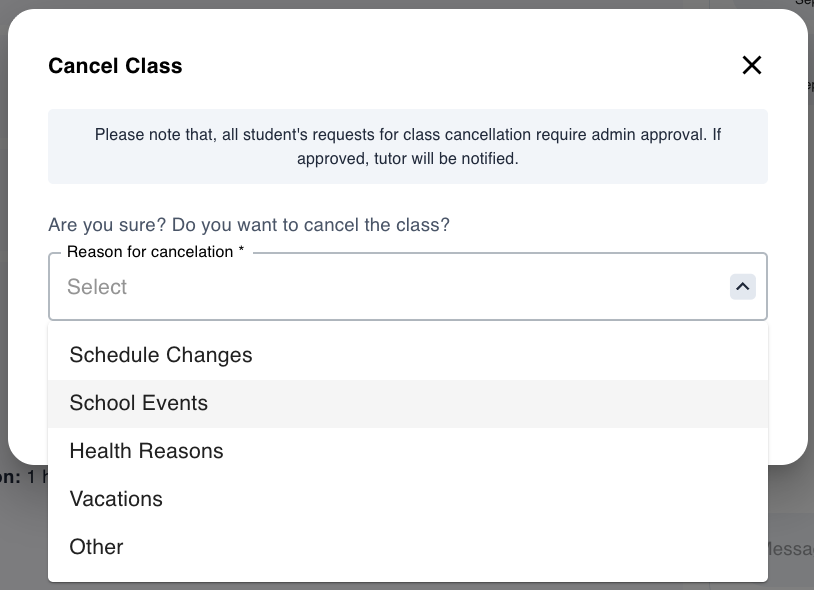
Cancel Modal: Select your reason for cancellation and submit your cancellation request
What Happens After Cancelling?
Once you've successfully cancelled a class:Cancellation Confirmation
Both you and your student receive an email confirming the cancellation
Schedule Update
The cancelled class is removed from the course schedule
Student Notification
Your student is notified of the cancellation
Rebooking
You can book a replacement class with your student at a more suitable time
Still have questions?
Our support team is here to help you with your class management needs.