Starting a Tutopiya subscription is the best way to turn a great trial lesson into lasting progress. You keep the tutor you clicked with, lock in a lesson plan that fits your schedule, and choose how often you pay — monthly, quarterly, bi-annual, or annual. Longer cycles let customers enjoy more discounts while learning stays consistent.
Before you start
We recommend completing a free trial first so you can:
- Confirm your tutor’s teaching style suits your child
- Check curriculum and subject coverage (IGCSE, A Level, IB, and more)
- Discuss goals — grades, mocks, or university entry — before committing to a subscription

Tutopiya homepage: Start with a free trial from tutopiya.com — then convert to a subscription when you are ready
Step 1: Log in to the learning portal
Go to tutopiya.com/learning-portal/login and sign in with the account you used for your trial.
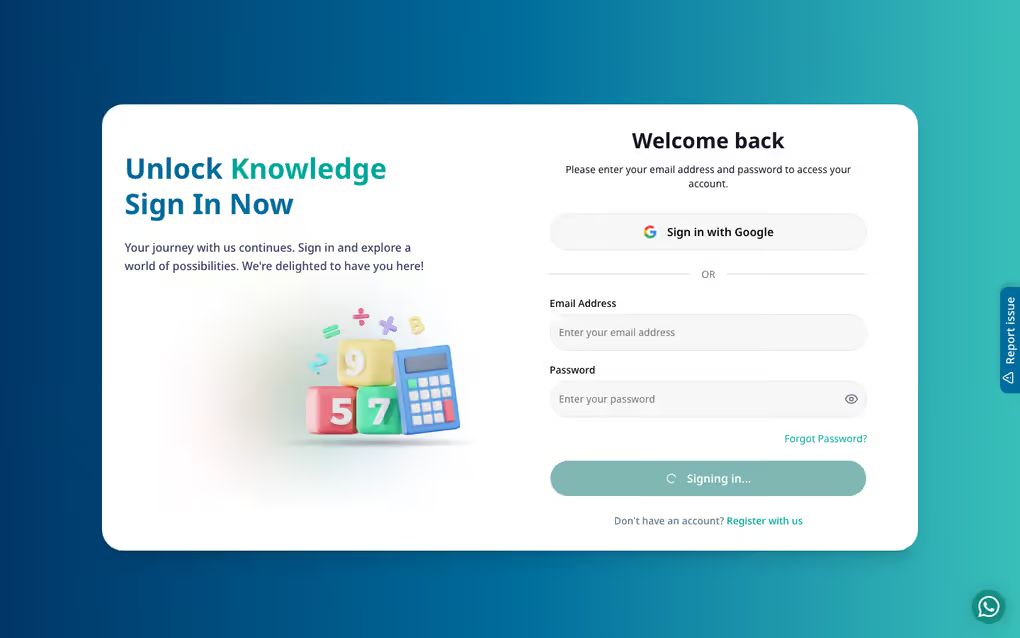
Login page: Enter your email and password, or continue with Google / Facebook
Step 2: Open your tutor or course
From your dashboard, open the course or tutor profile you want to continue with. You can also browse tutors again if you are choosing a second subject for another subscription.
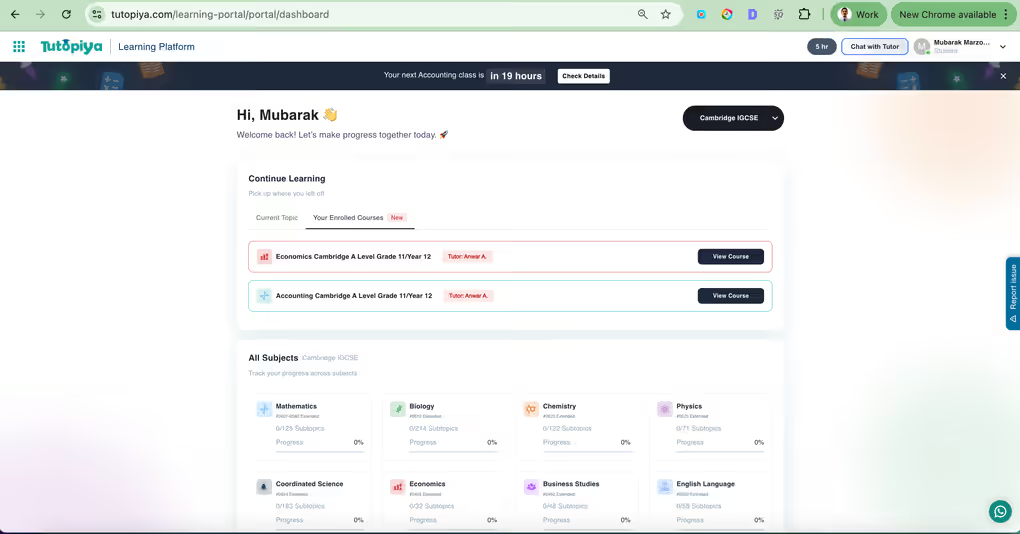
Dashboard: Your enrolled courses appear here — click View Course to continue with your tutor
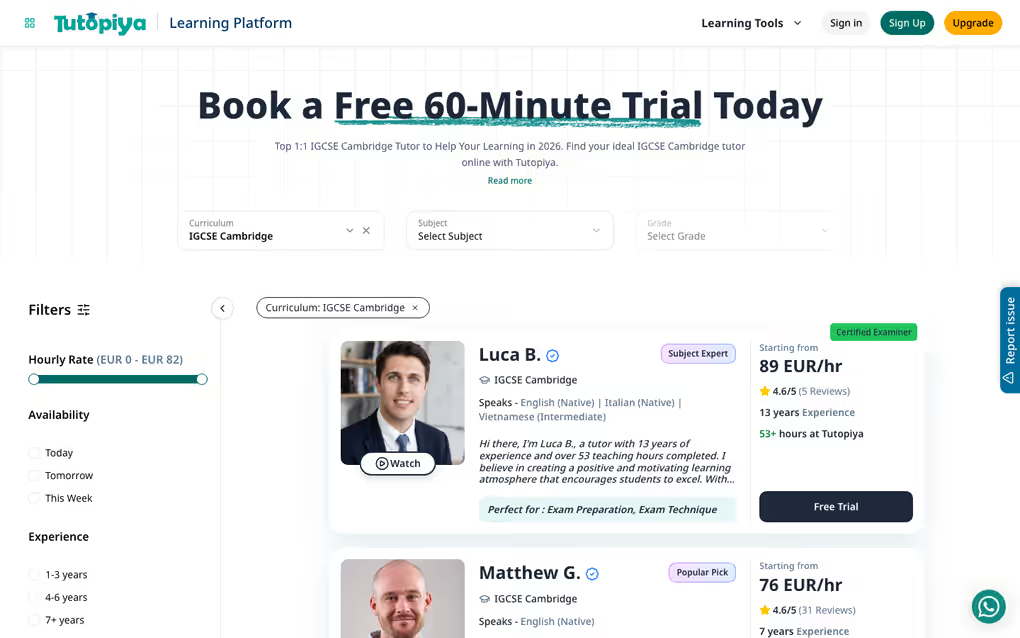
Tutors directory: Browse verified tutors by curriculum and subject before starting a subscription
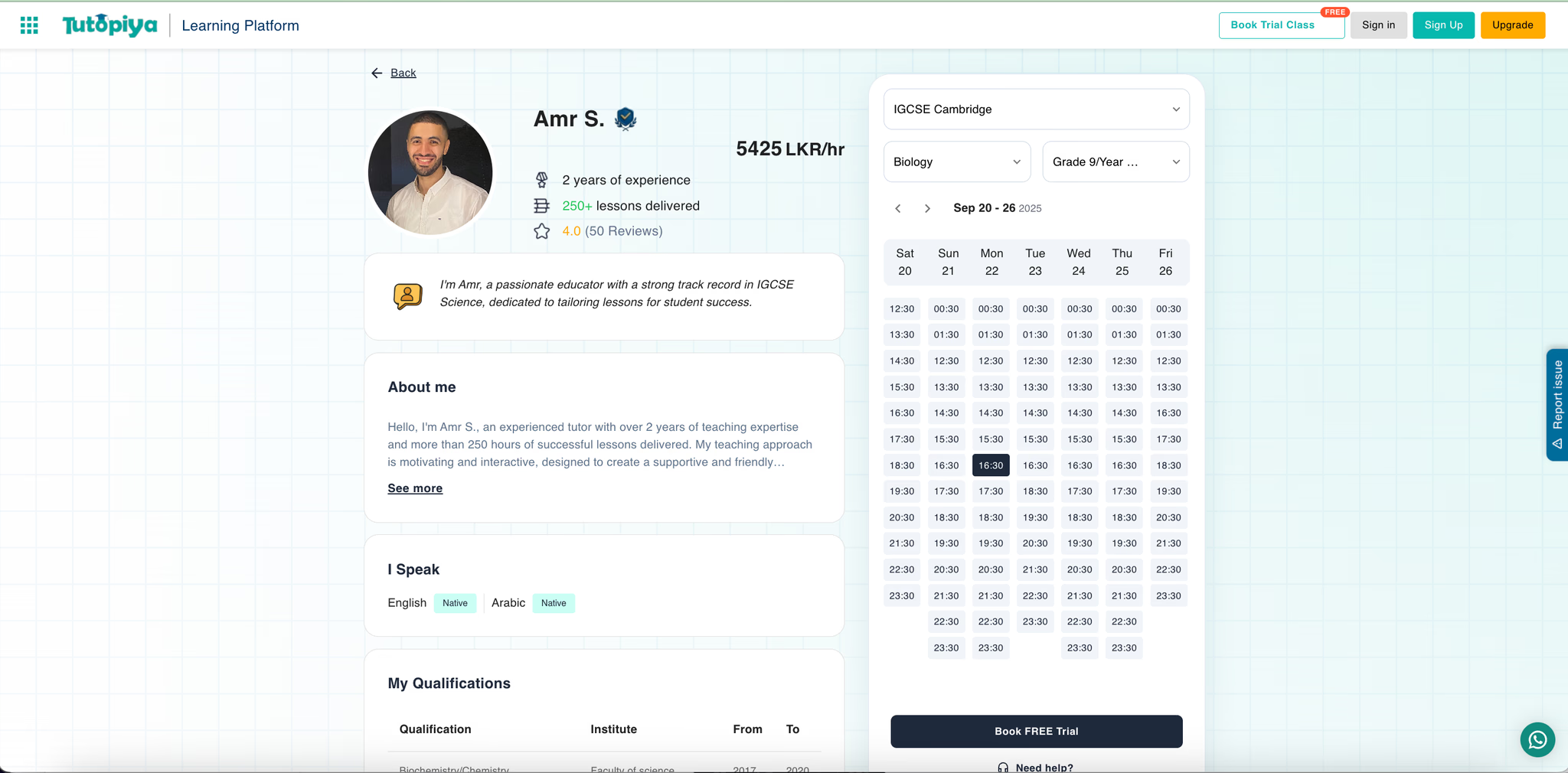
Tutor profile: Review experience, ratings, and availability — then move on to choose your subscription plan
Step 3: Choose your subscription plan and billing cycle
Select how many lessons you want in your plan, then pick a billing cycle. In addition to a monthly subscription, Tutopiya also offers:
- Quarterly — billed every 3 months
- Bi-annual — billed every 6 months
- Annual — billed once a year
Customers who choose longer cycles can enjoy more discounts compared with paying month to month — ideal if you already know you want steady tutoring through a term or full exam year.
Monthly
Maximum flexibility
Quarterly
Better value + discount
Bi-annual
Bigger discount
Annual
Best discount
Tip: You can still start with a lighter monthly subscription and upgrade later as exams approach — or move to quarterly / bi-annual / annual when you want to lock in more savings. Exact discount amounts appear on the plan screen at checkout.
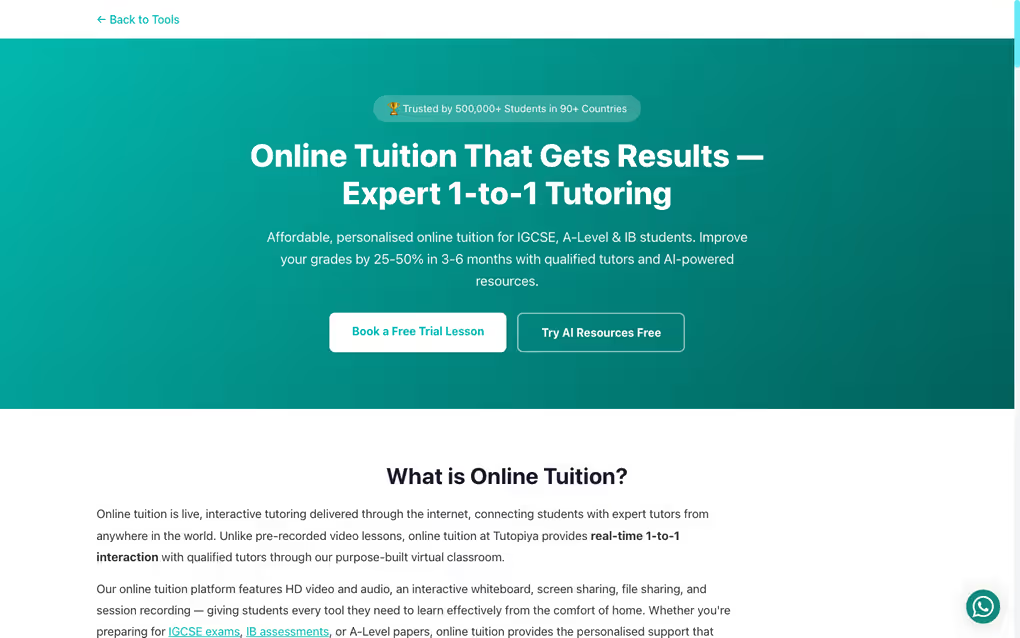
Online tuition options: Flexible 1-to-1 tutoring plans — your advisor can help match lesson volume and billing cycle to your goals
Step 4: Confirm payment details
Enter your card or approved payment method. Your first subscription charge secures your plan and adds lessons to your balance. Renewal then follows your chosen cycle (monthly, quarterly, bi-annual, or annual). See subscription payments & billing for receipts and payment updates.
Step 5: Book your lessons
Once your subscription is active, book classes from your course page. Follow our how to book a class guide if you need a refresher.
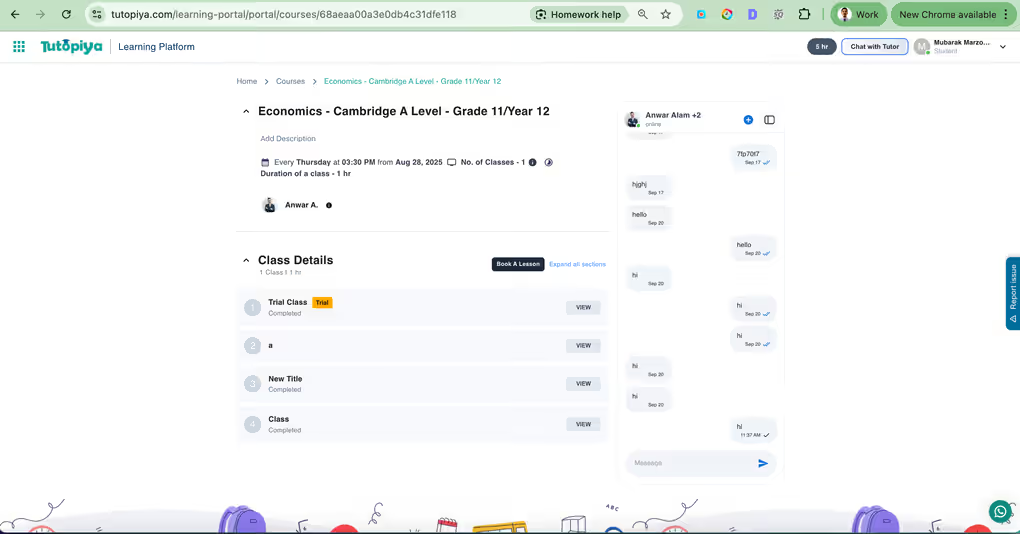
Course page: Click Book a Lesson to schedule from your active subscription balance
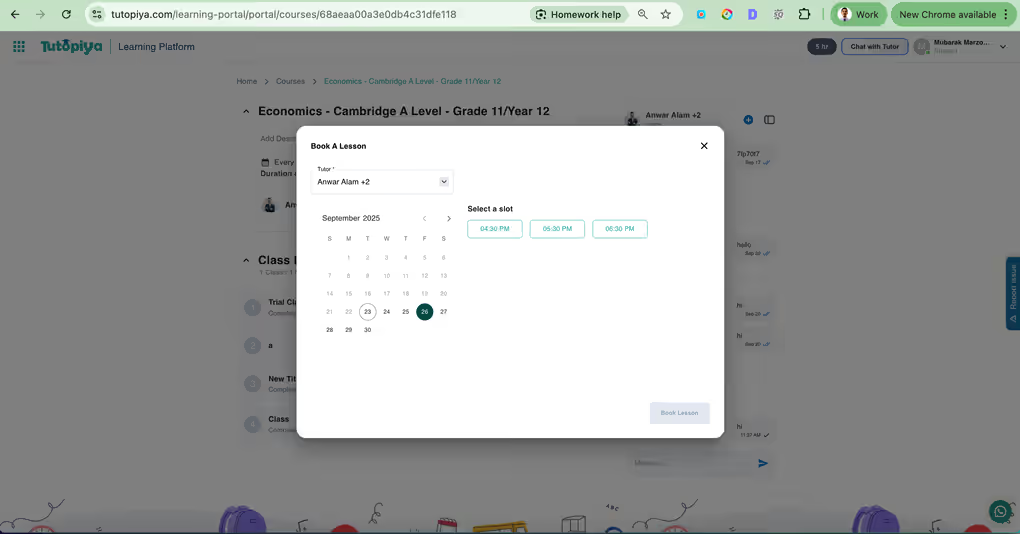
Booking calendar: Pick an available date and time with your tutor
What you get when your subscription starts
- ✓ Ongoing access to your chosen tutor
- ✓ A lesson balance tied to your subscription plan
- ✓ Automatic renewal on your chosen cycle — monthly, quarterly, bi-annual, or annual
- ✓ Extra savings when you pick longer billing cycles
- ✓ Portal access to materials, schedules, and class history
- ✓ Freedom to manage your subscription anytime

You’re set: After activation, book lessons and keep learning on the rhythm that suits your family
Need help choosing a plan?
Our team can recommend a subscription size and billing cycle based on your exam date, subjects, and weekly study hours — including whether monthly flexibility or a longer discounted cycle is the better fit. Reach us on WhatsApp or info@tutopiya.com.
Ready to start?
Log in, choose your plan, and pick monthly / quarterly / bi-annual / annual billing to unlock more discounts on longer subscription cycles.
Open learning portal